Twelve presets
Swap the whole dock in one click
 Dock
Livery Dock puts live widgets and your apps in one bar above the taskbar. Control your music, switch wallpapers, watch your CPU and open apps without leaving what you are doing.
New in 0.3 · Widgets · Music · Open apps · Pinned apps · Presets · Wallpapers






Ember Desk · Free preset
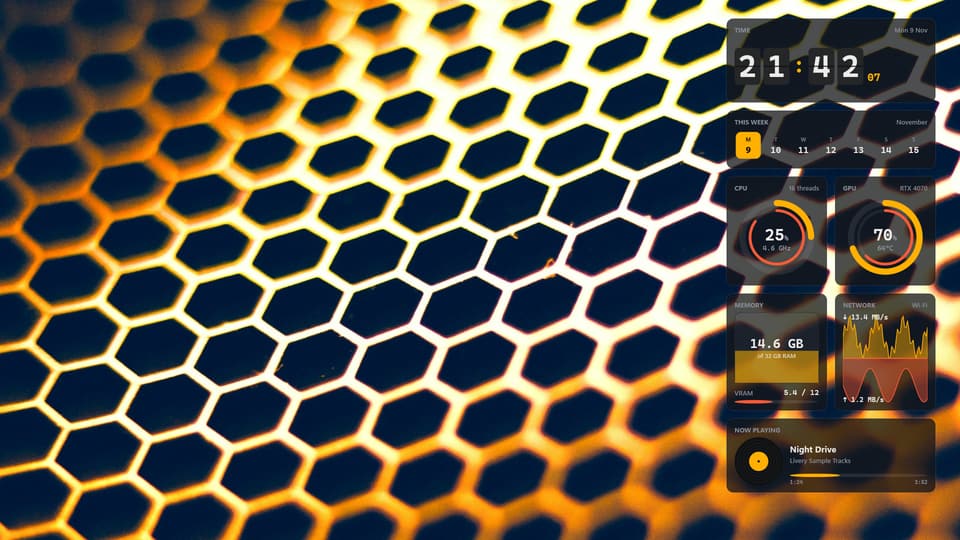
Pictures are Livery’s own docks with sample readings.
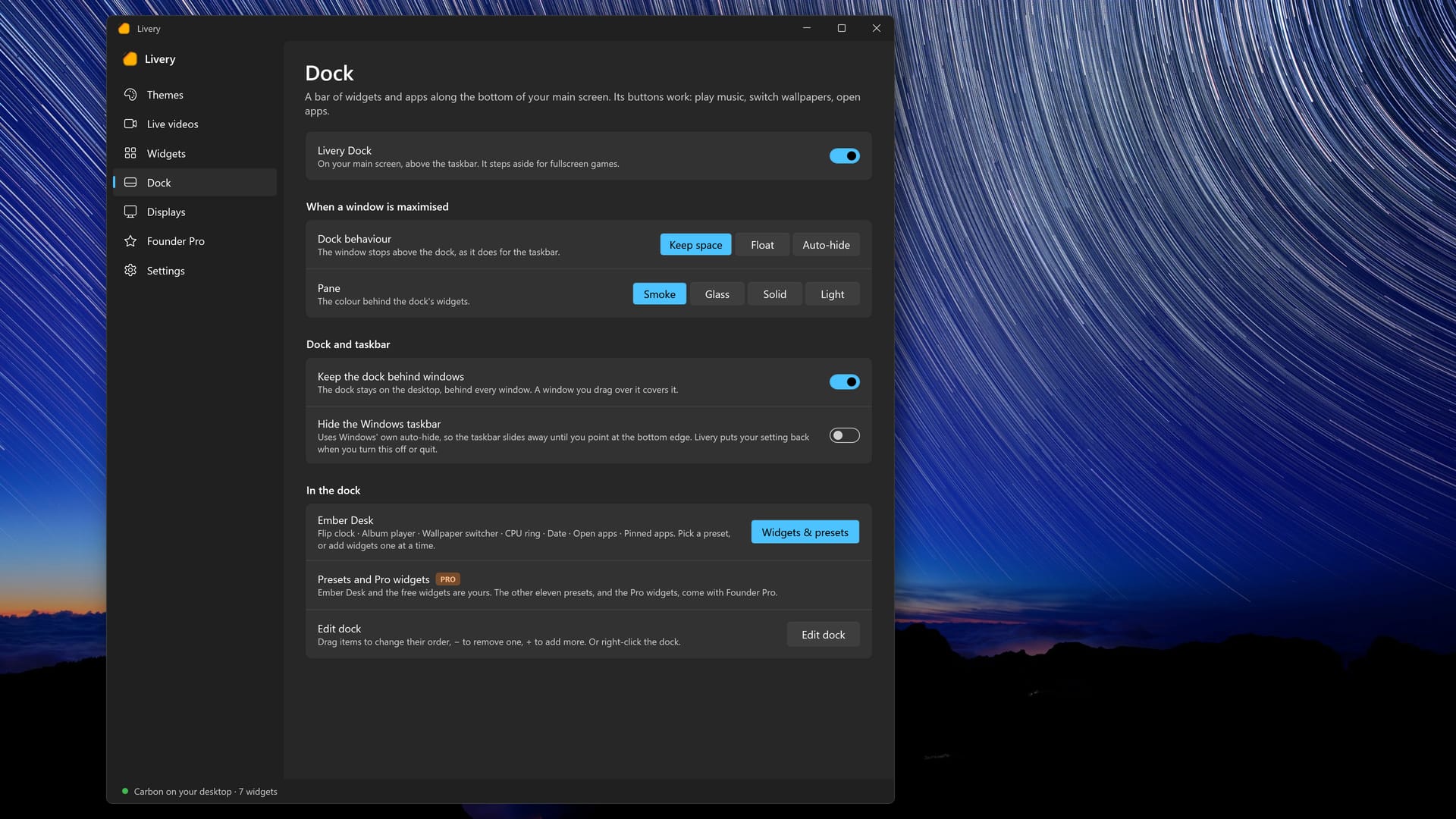
The dock sits on your desktop, behind your windows. Maximised windows can stop above it, it can float over them, or it can hide until you need it. It steps aside for fullscreen games.
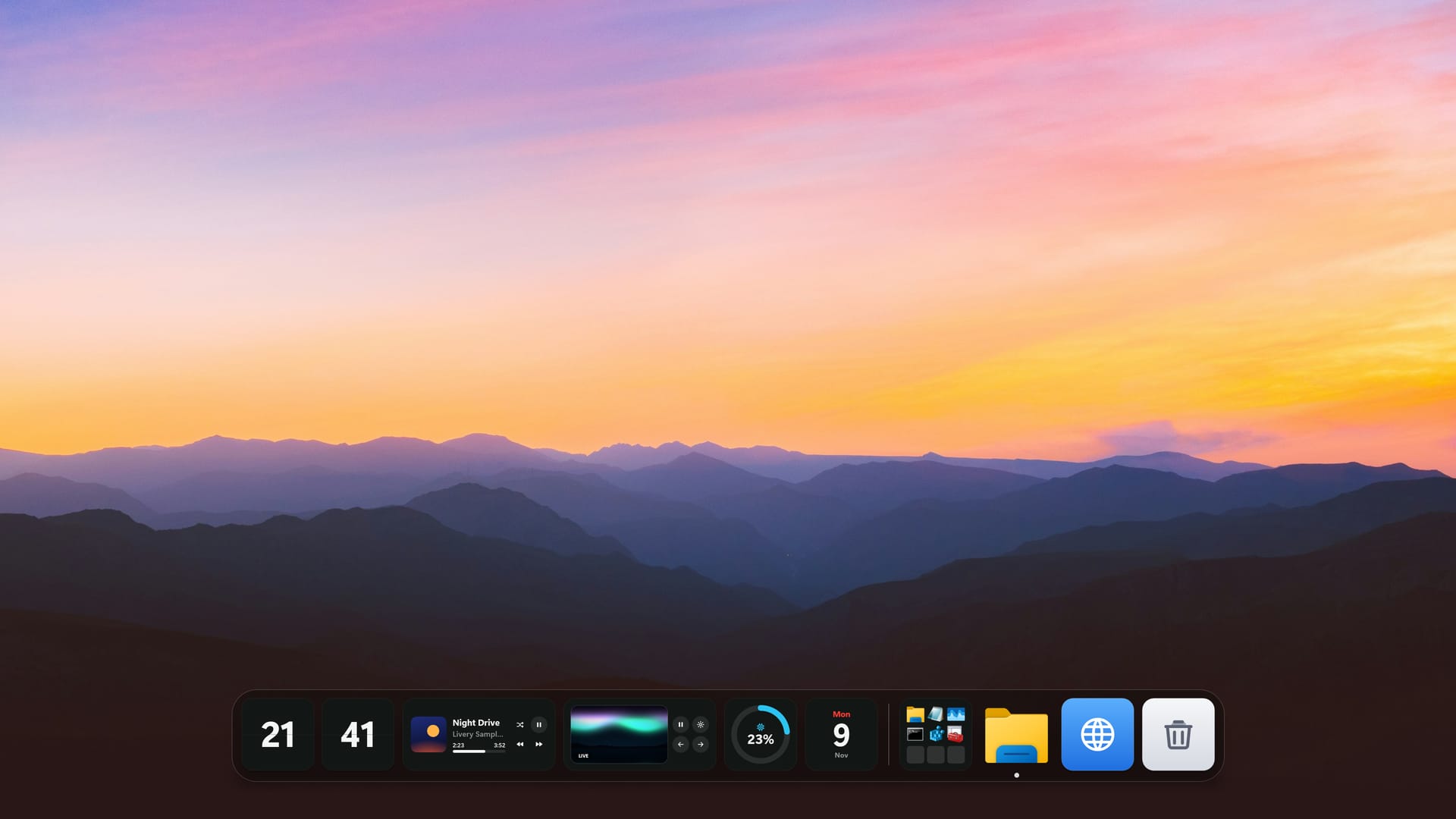
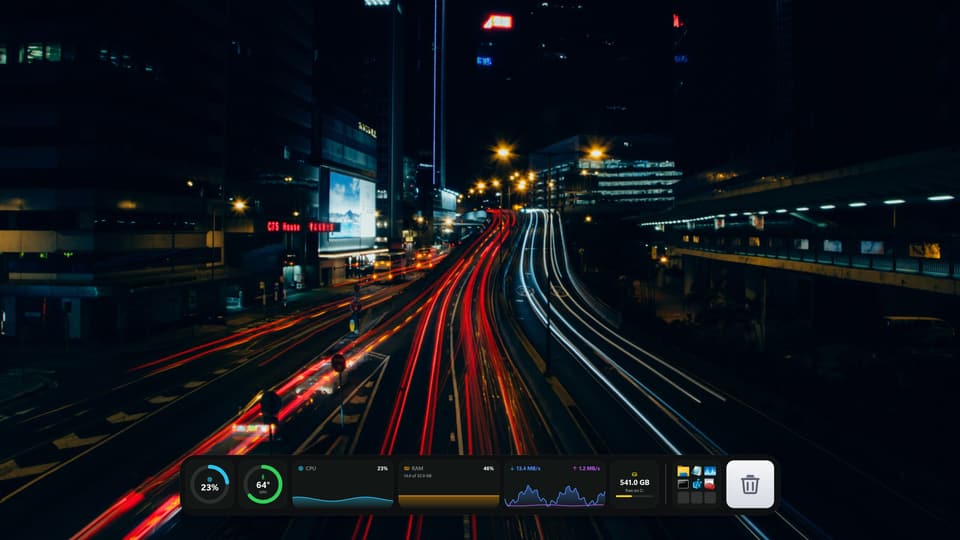
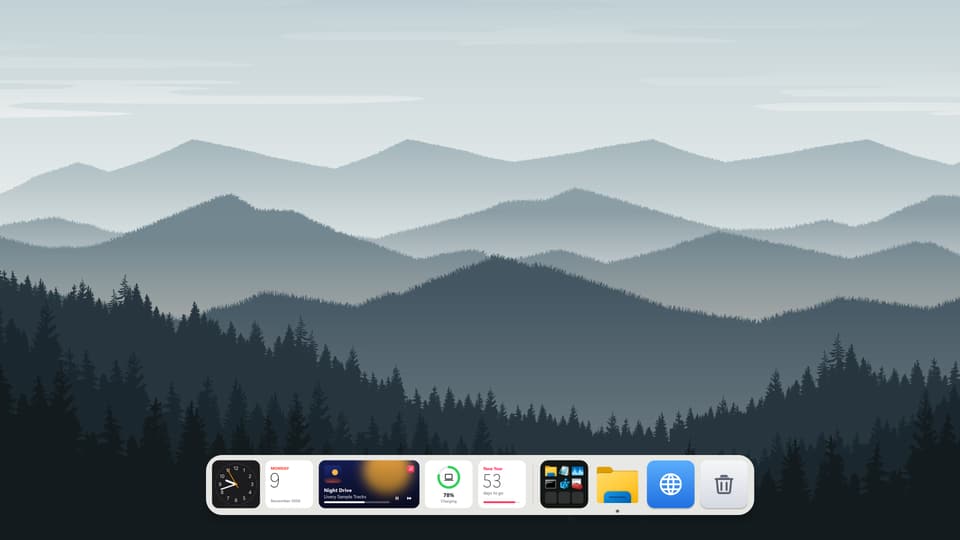
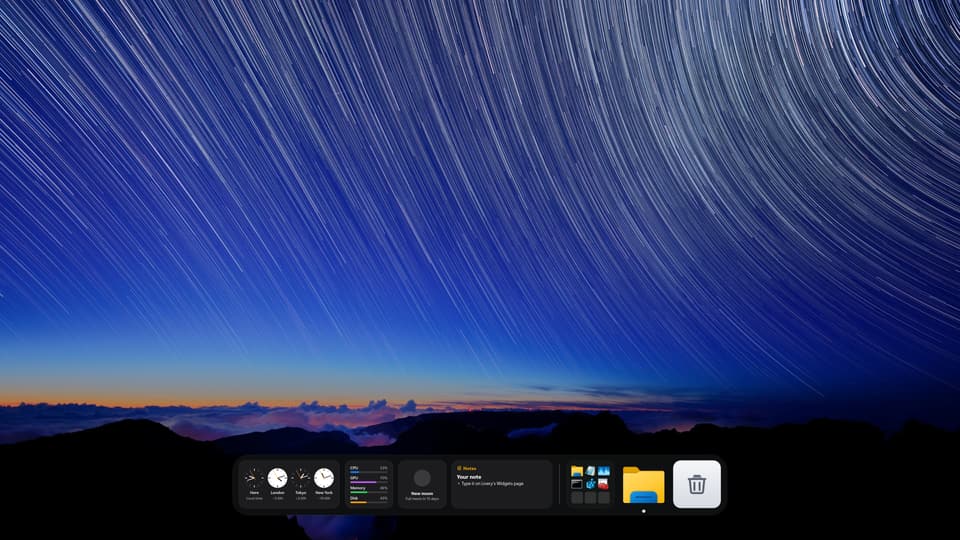
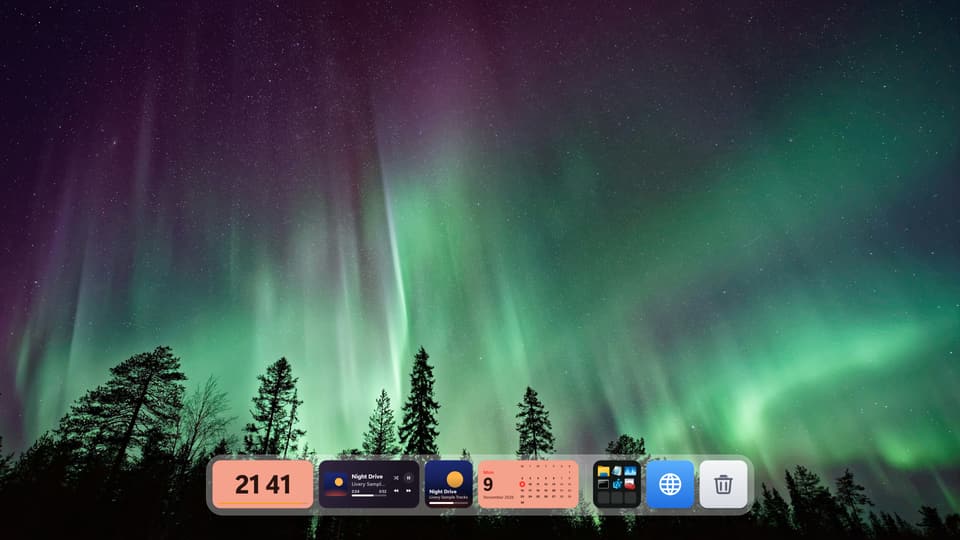
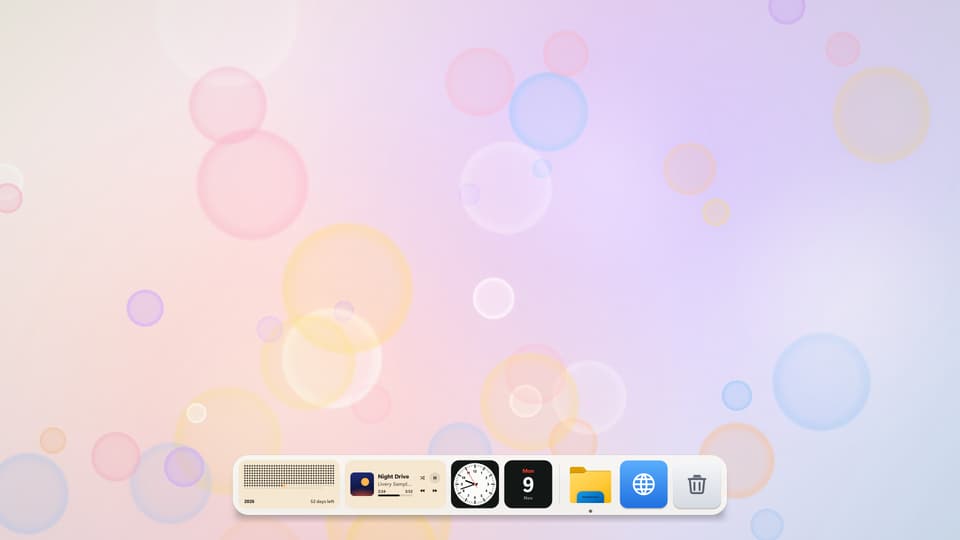
Ember Desk · Free preset
Docks shown over Livery’s own wallpapers. Presets never change your wallpaper.
What is in the dock
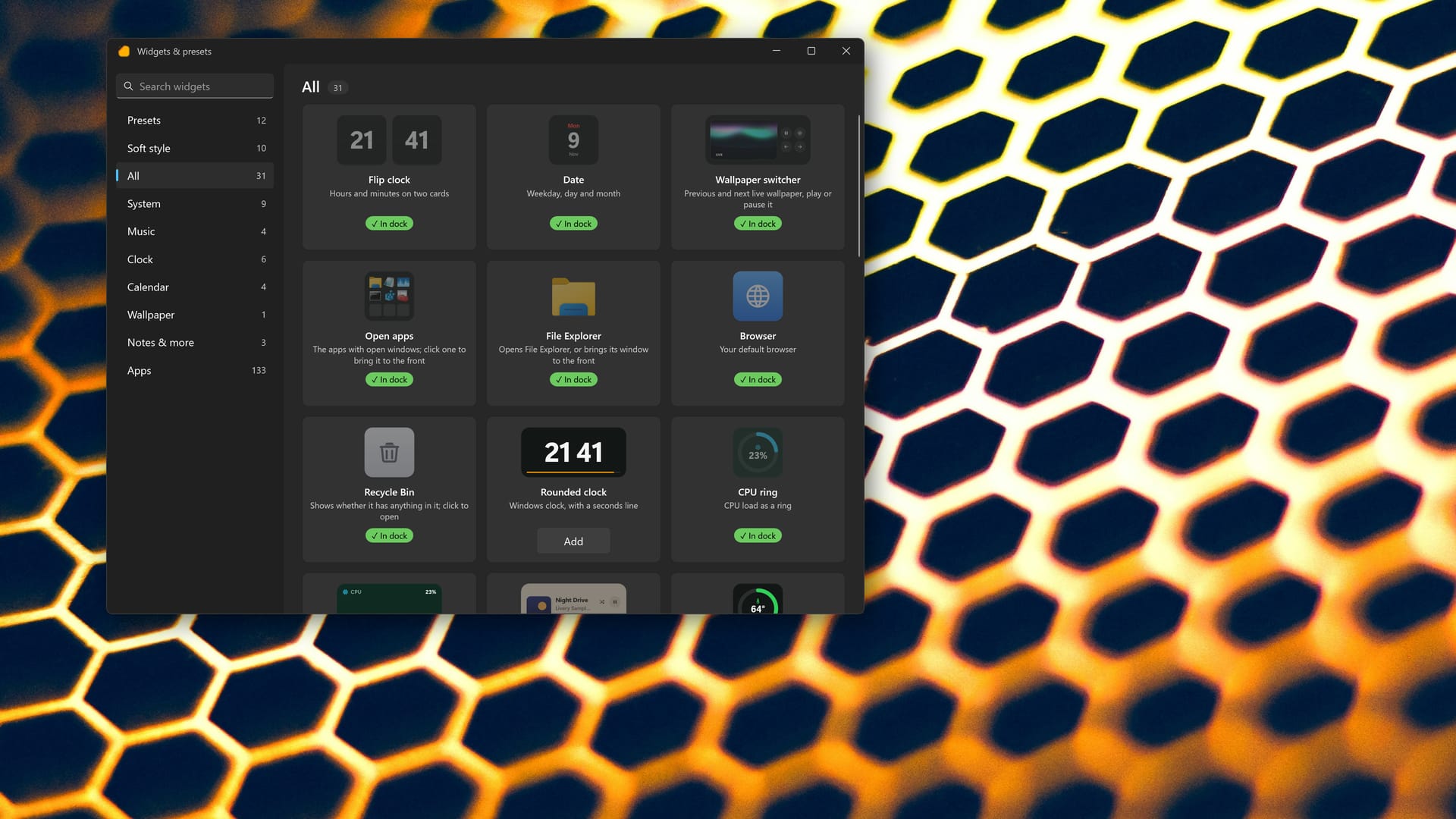
Not a picture of widgets: the dock does things. Play, skip and pause music from any app, switch live wallpapers, bring an open app to the front, and open File Explorer, your browser or the Recycle Bin.
Twelve presets
Every widget, one click
Dock settings
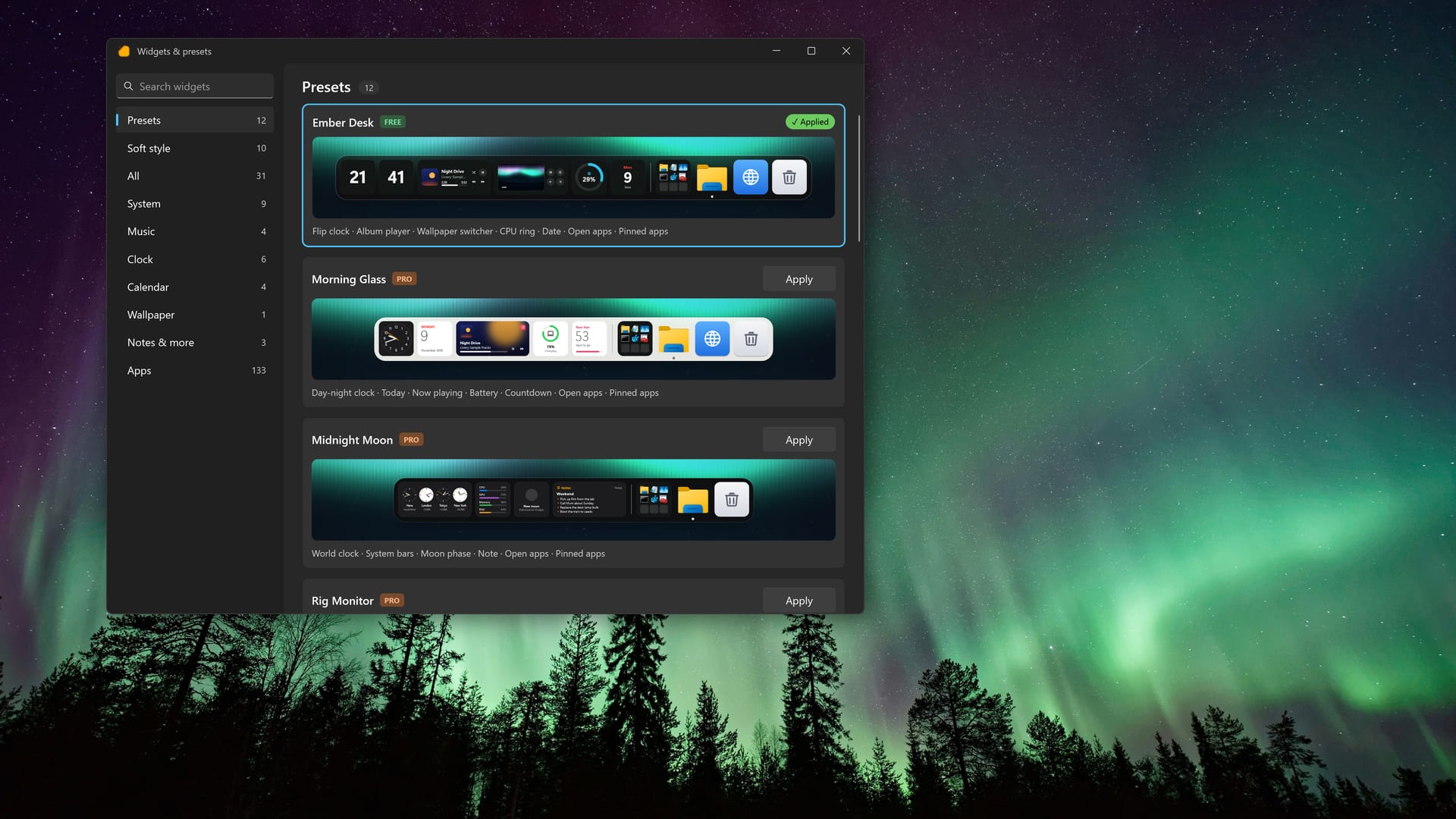
Presets
Twelve ready-made docks, each with its own mix of clocks, gauges, music and apps. Pick one, then drag things around until it feels like yours. Ember Desk is free; the other eleven come with Founder Pro.
Ember Desk and everything that is free stays free. Founder Pro is one payment through Microsoft Store, with no subscription.
Free
About $9.99 one time
Soon $19.99 Get it at the early price while it lasts.
The Store shows the exact price for your country. The price goes up to $19.99 soon. You buy Founder Pro inside Livery, through Microsoft Store.
And the rest of Livery
The dock sits next to everything Livery already does on your desktop.
Themes · Ten complete desktops
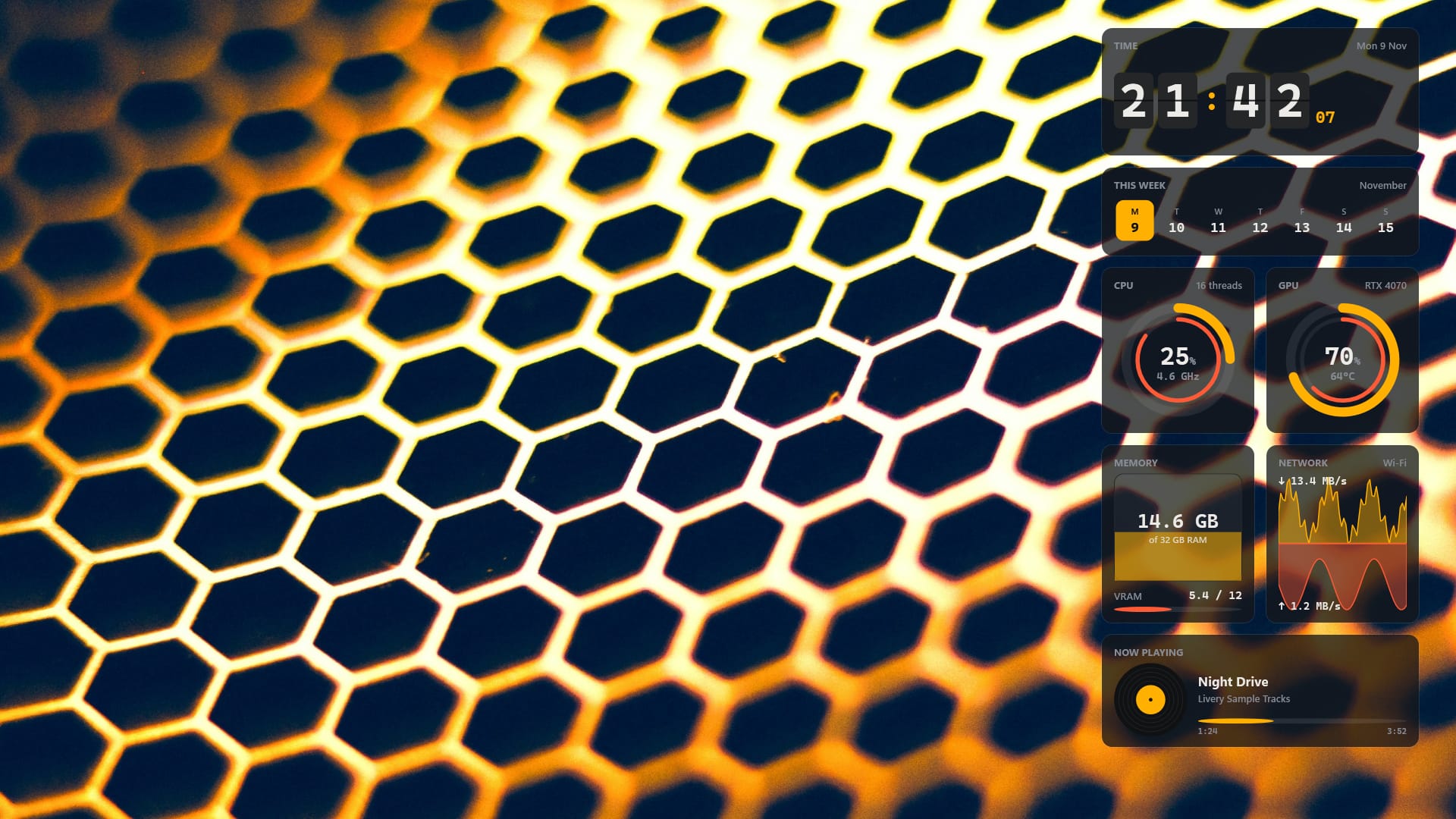
Real readings
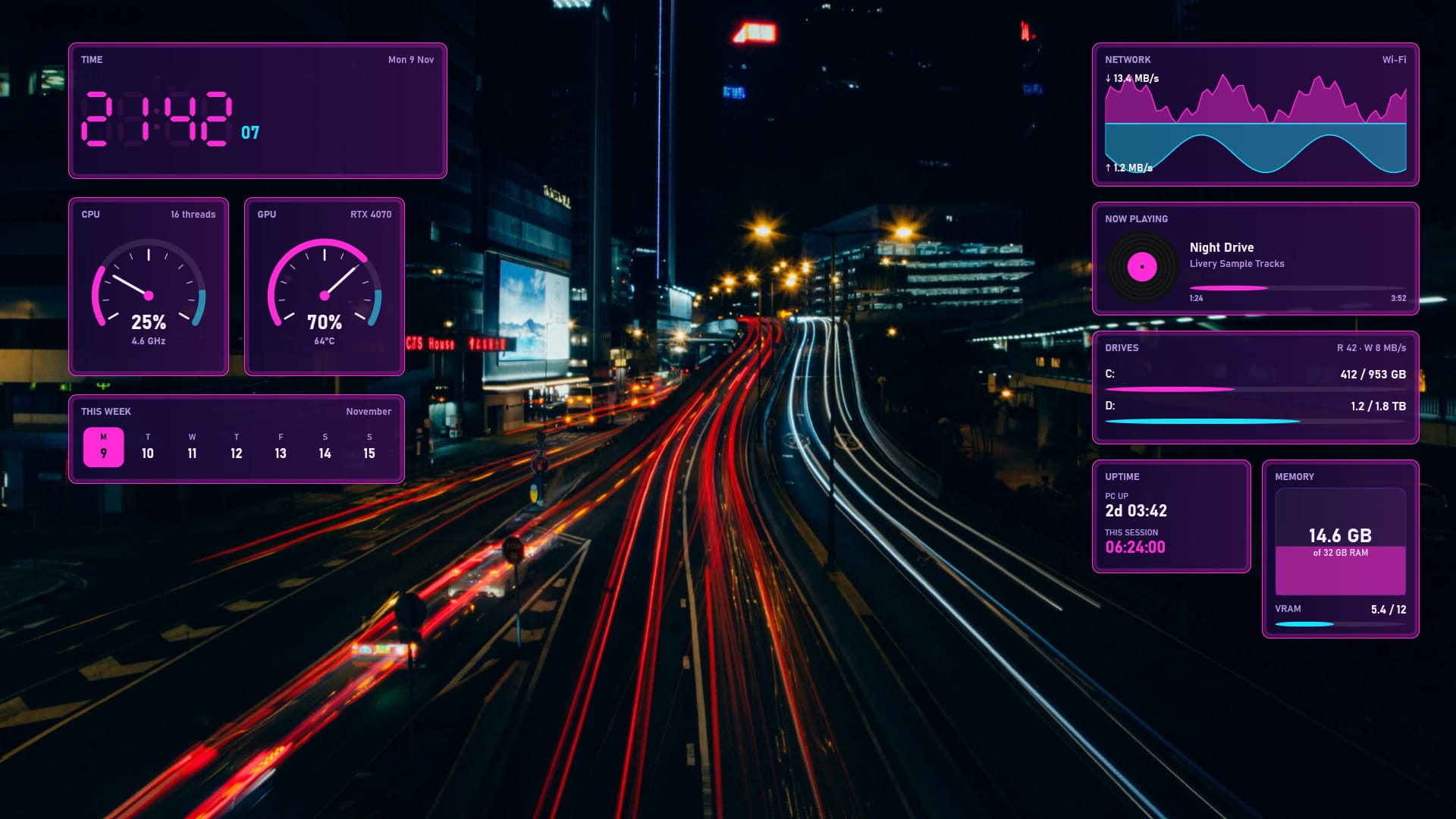
Edit layout
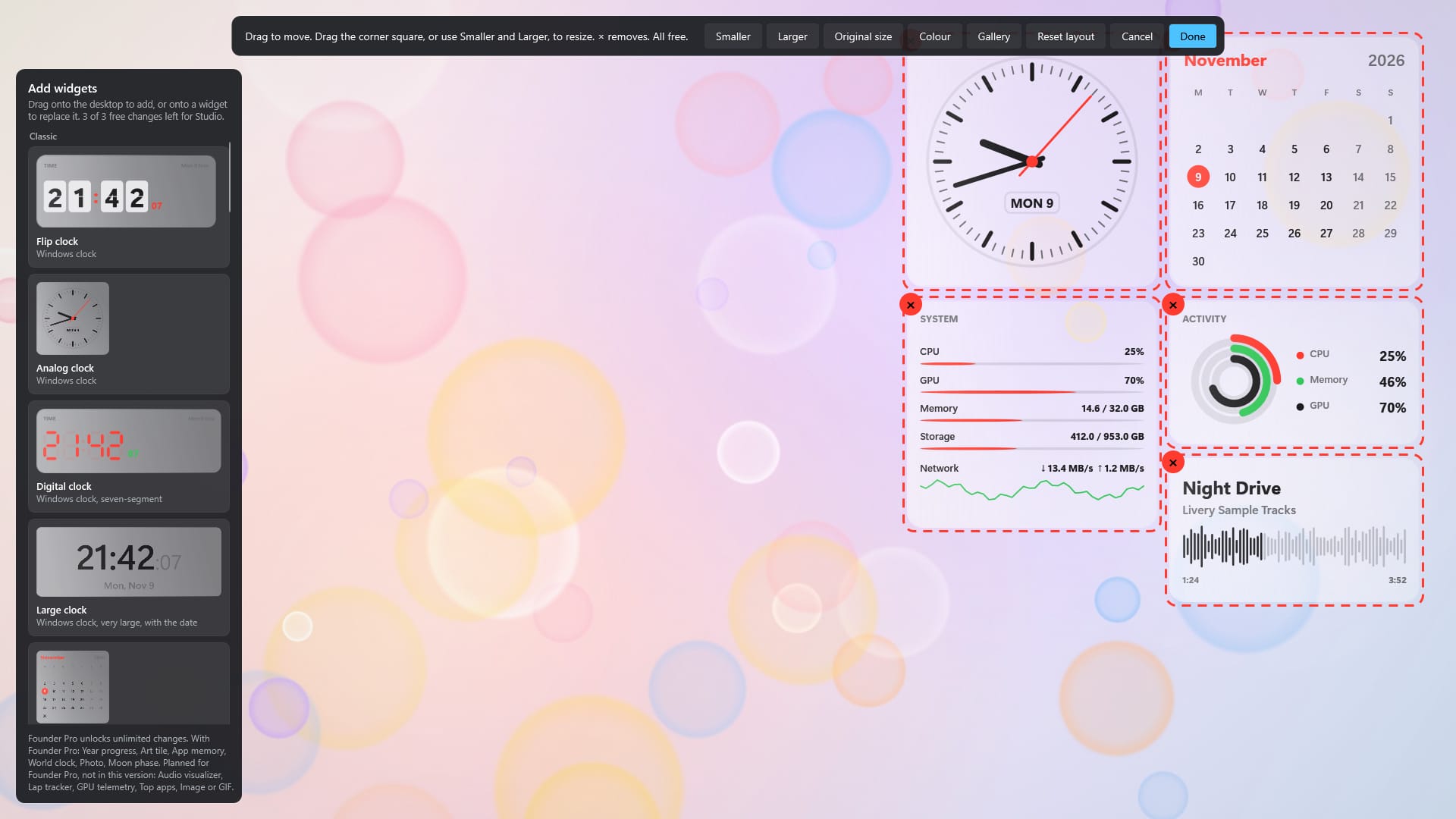
Tile colours · Founder Pro
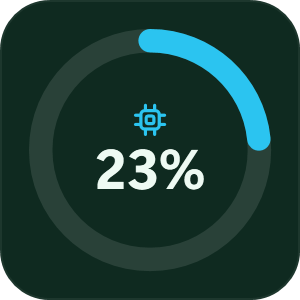
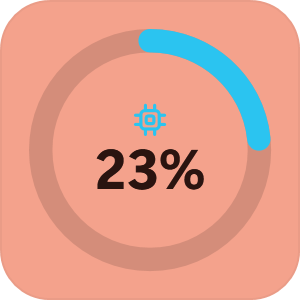
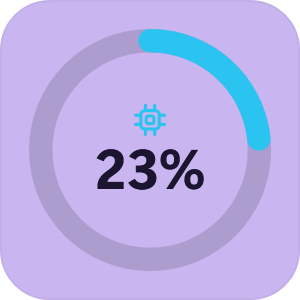
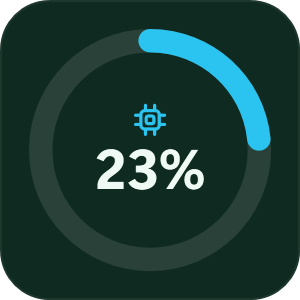
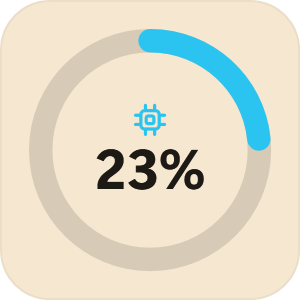
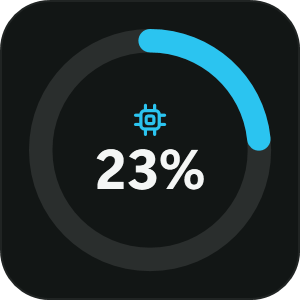
Soft widgets
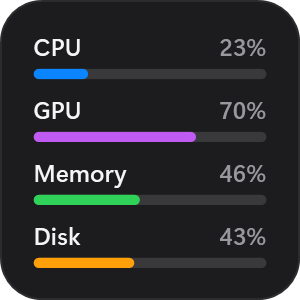
Gaming
In a fullscreen game, widgets, the dock and video wallpaper stop, free their memory and use no CPU until you leave. Livery never injects anything into games.
Your wallpaper stays
Each theme brings its own wallpaper, widgets, layout and colours. Switch in one click, and keep your own wallpaper if you prefer it.
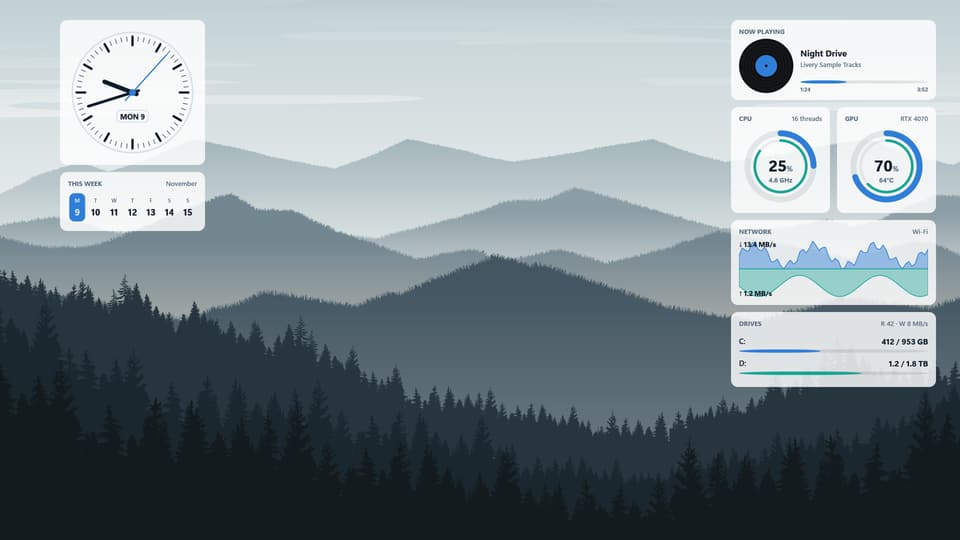
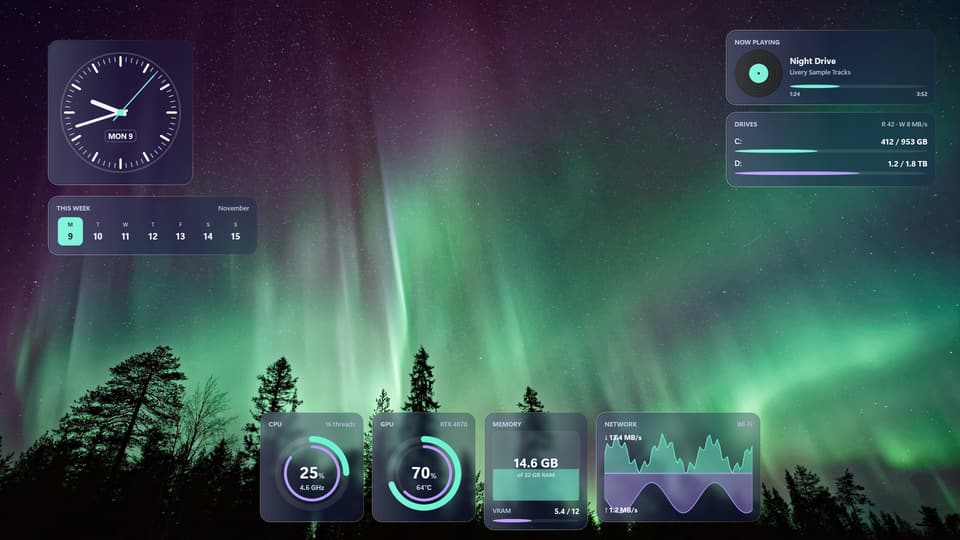
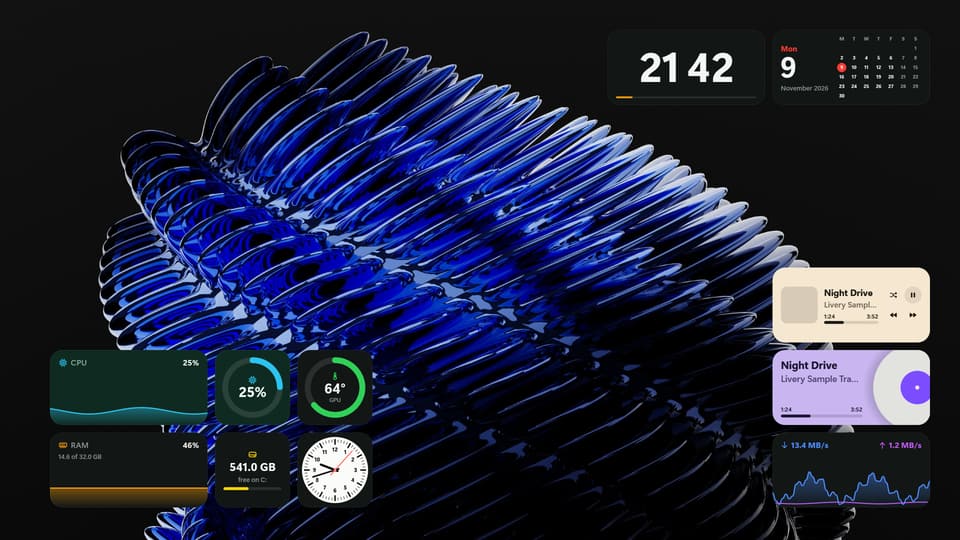
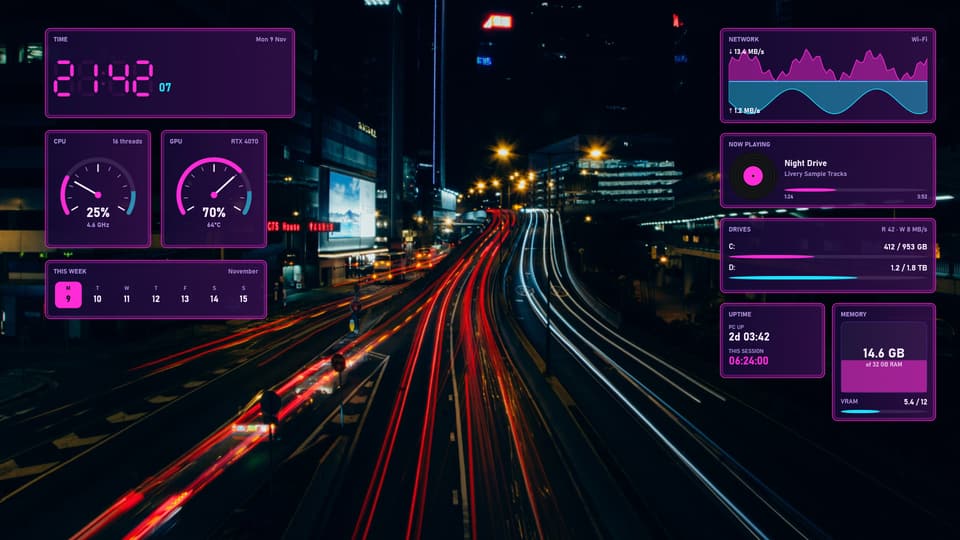
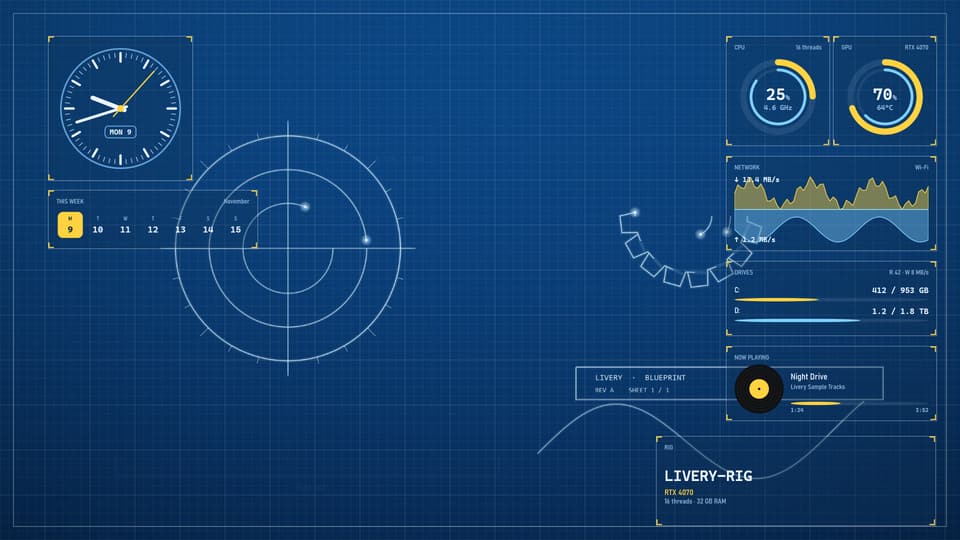
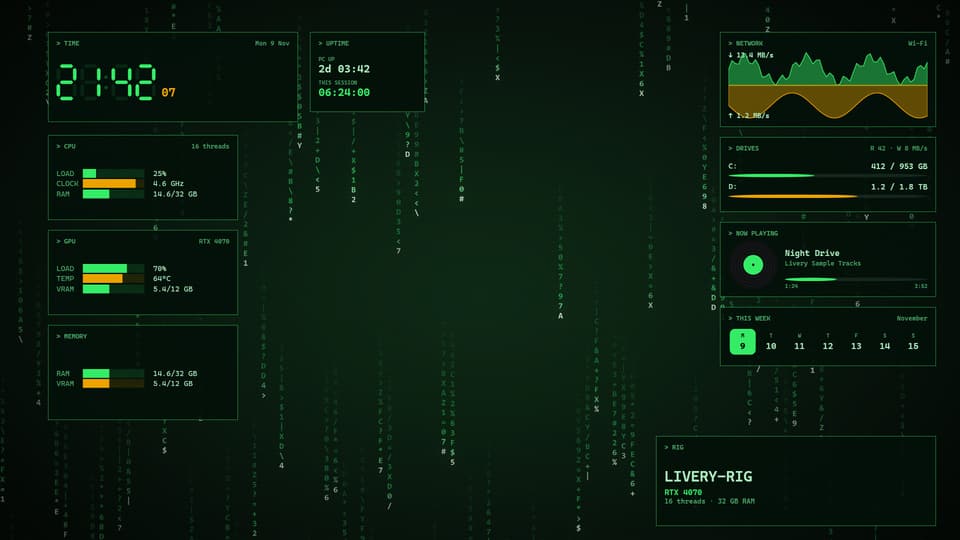
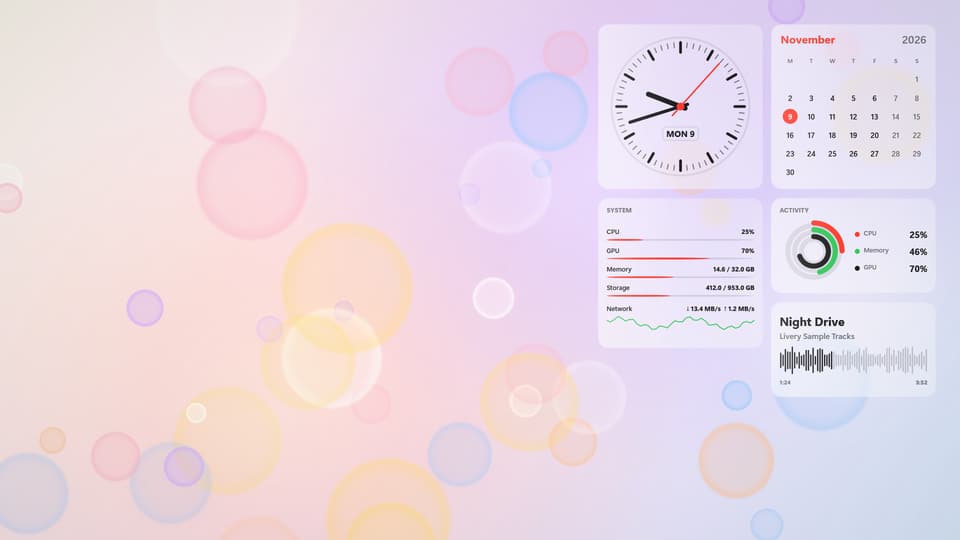
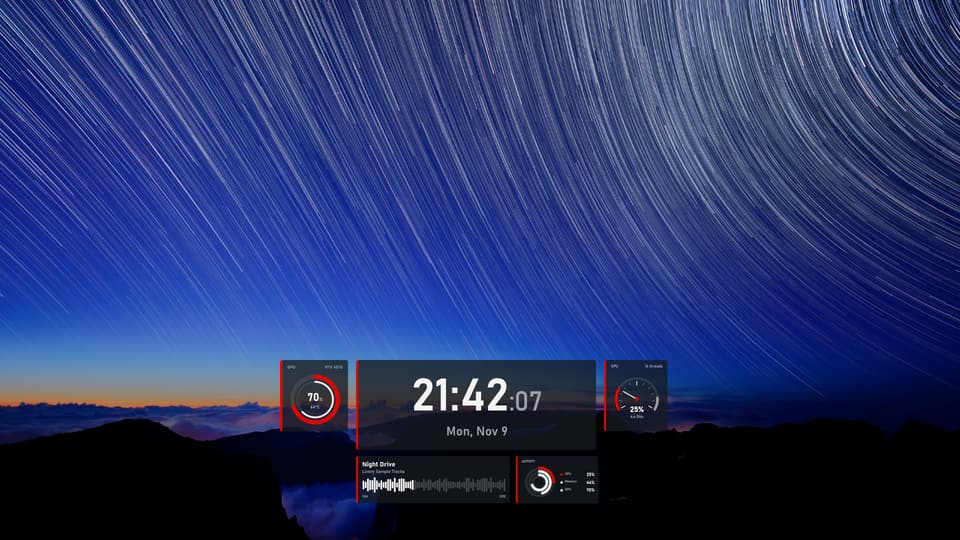
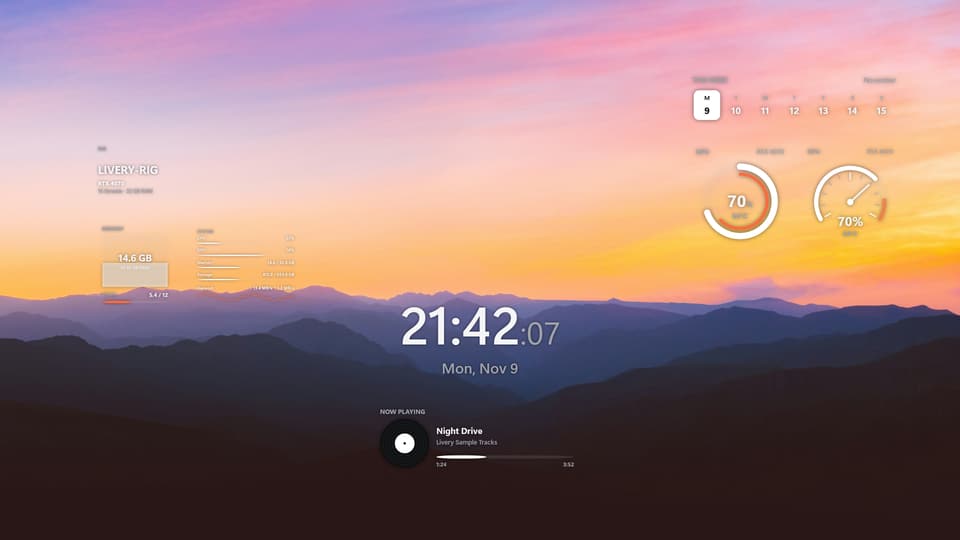
The dock, the desktop widgets and the details around them.
A bar of widgets and apps along the bottom of your main screen, above the taskbar. Its buttons work: play, skip and pause music from any app, switch live wallpapers, bring an open app to the front, and open File Explorer, your browser, the Recycle Bin or any app you pin. It is off until you turn it on from the Dock page.
The dock, Edit dock, all dock widgets and the Ember Desk preset are free. The other eleven presets, the Pro widgets and tile colours come with Founder Pro, one payment of about $9.99 through Microsoft Store, with no subscription. The price goes up to $19.99 soon.
No. The dock sits above it. If you want, you can turn on Windows’ own taskbar auto-hide from Livery; Livery puts your setting back when you turn it off or quit.
When a fullscreen game starts, Livery’s dock, widgets and video wallpaper stop, free their memory and use no CPU until you leave the game. Livery does not inject anything into games.
To show which apps are open and bring one to the front, the dock reads which apps have open windows. It never reads their titles or contents, and it stays on your PC.
No. Livery never changes your Windows wallpaper setting, and dock presets never change your wallpaper. A desktop theme’s wallpaper is opt-in.
No. There is no account and no telemetry, and Livery makes no network connections of its own. To show the Founder Pro price and know whether you own it, Livery asks the Microsoft Store part of Windows.
Livery is made and tested on Windows 11. Windows 10 version 2004 or later is supported but has had less testing.
The dock and widgets appear on your main display today. Other displays are not supported yet.
No. Livery is for Windows.
Email [email protected]. Livery is made by one developer, and the roadmap follows what people ask for.
Also from Technolans
A tiny island for your Windows desktop, with a pet who keeps you company. Now playing, volume and a focus timer one glance away. Free, with an optional one-time Pro.
Free from Microsoft Store. Ember Desk included.
Get it from Microsoft Store